Text to Speech
Paste any text and generate high-quality audio instantly on mobile or web.
Read webpages, PDFs, and Word files aloud. Paste one URL to fetch an article list, mix languages in a single piece, tune pronunciation word by word, and skip comments, headers, and page numbers so you hear the body text.
Features
From article discovery and mixed-language synthesis to clean document parsing and word-level pronunciation—everything you need for natural, hands-free listening.
Paste any text and generate high-quality audio instantly on mobile or web.
Paste a portal URL and auto-fetch every article on the page—pick and listen in one flow.
Preview titles, authors, and dates before generating audio for each article.
Upload PDF, Word, txt, or epub. Layout-aware parsing follows columns and sections so you hear the document in reading order—not a scrambled dump of the page.
Strip comments, footnotes, and layout noise from PDFs and Word docs so you hear the body text, not the clutter.
Blend languages in one piece with sentence-level and word-level voice overrides.
Transform news and blogs into podcast-style audio with richer pacing and segments.
Tune pronunciation, rate, pitch, volume, and pauses for every sentence or word.
Choose expressive multilingual voices with preview before you generate.
Pick up where you left off—your generated voices and listening progress stay in sync across web and mobile.
Deep dive
See how Votaka handles discovery, multilingual narration, layout-aware file extraction, and fine-grained pronunciation—end to end.

Paste a news portal or blog homepage once—Votaka automatically fetches the full article list from the page so you can preview titles, pick what to listen to, and start playback without copying links one by one.
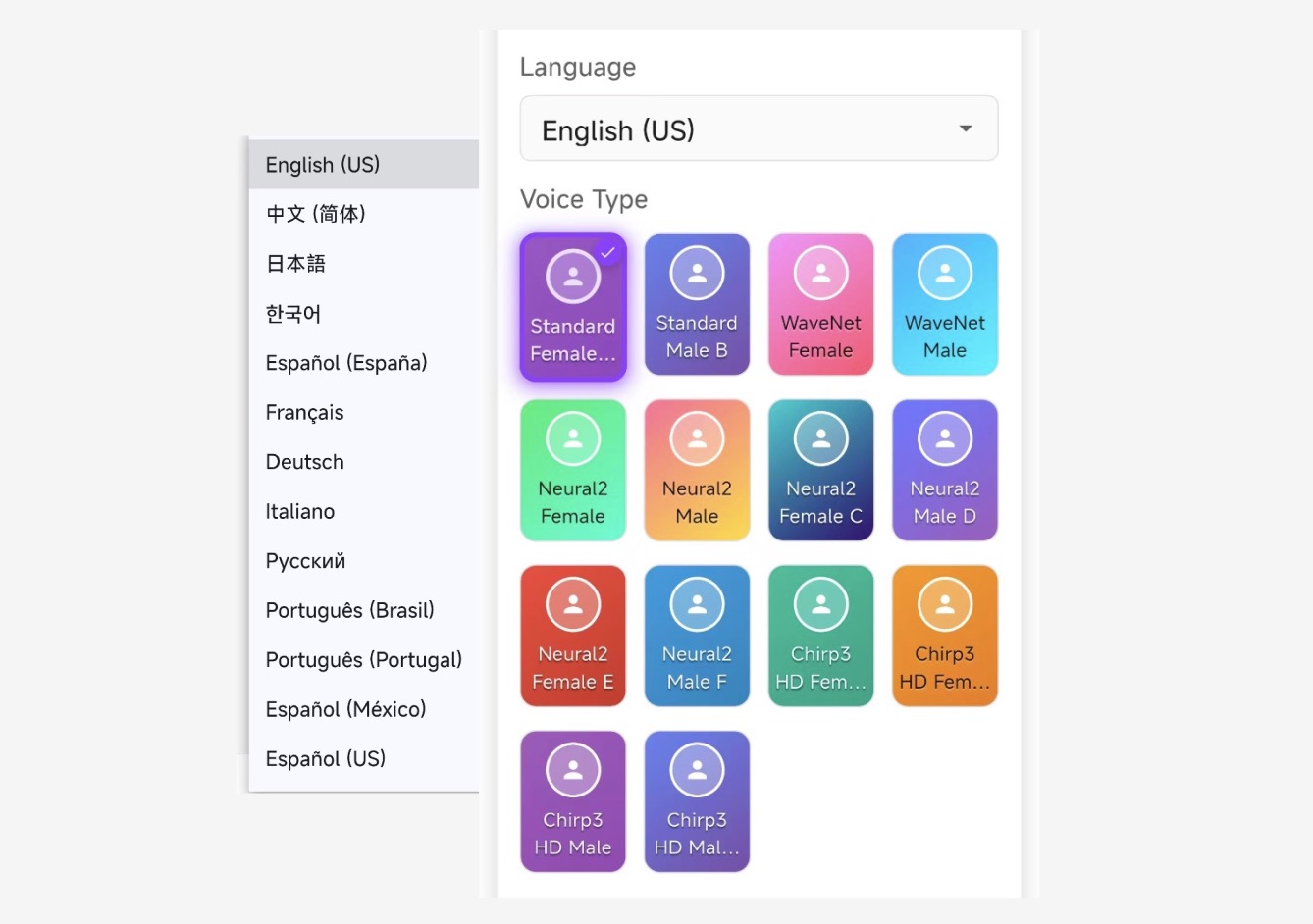
Read multilingual content naturally: set a default language for the whole piece, then override individual sentences or words with different languages and voices—ideal for bilingual articles, product names, and code snippets.
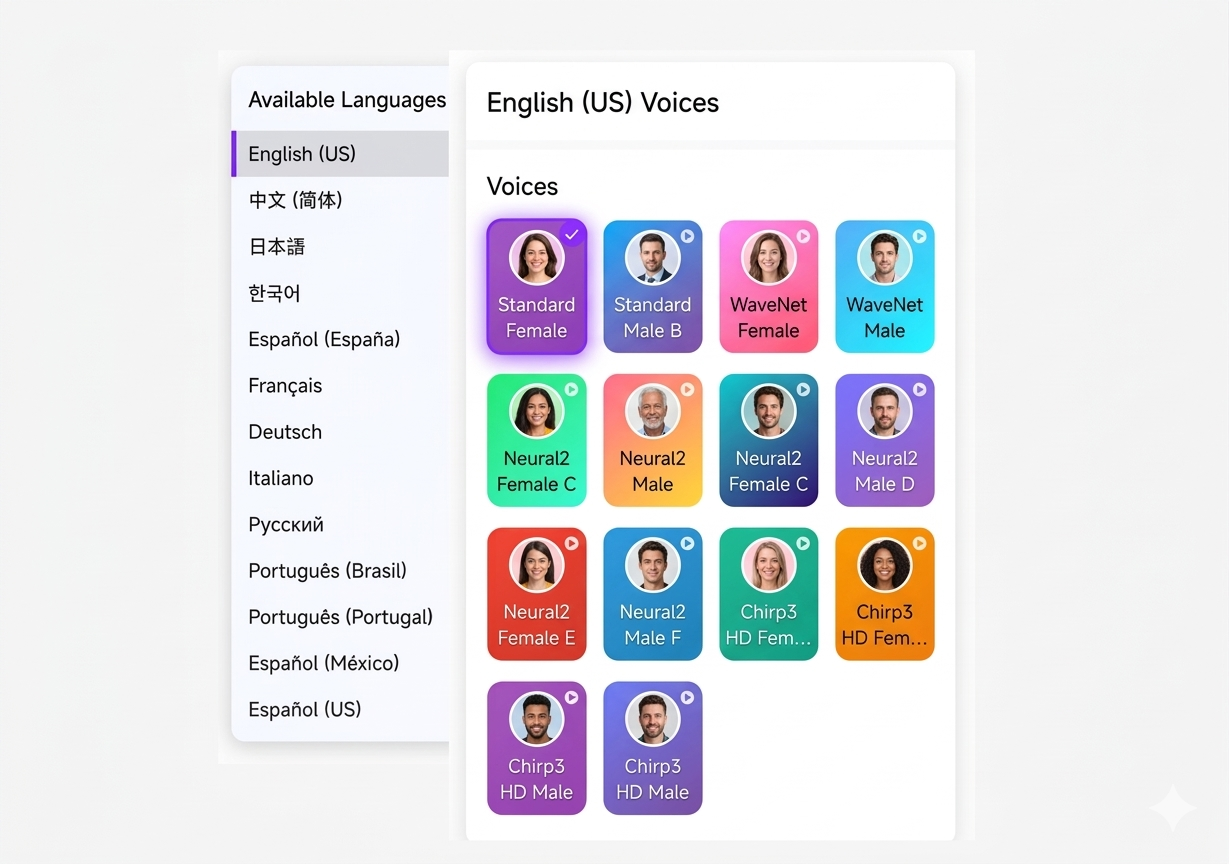
Turn news feeds and blog posts into a podcast-style listening experience with multi-speaker scripts, segment playback, and richer pacing—so long-form content feels like a show, not a wall of text.
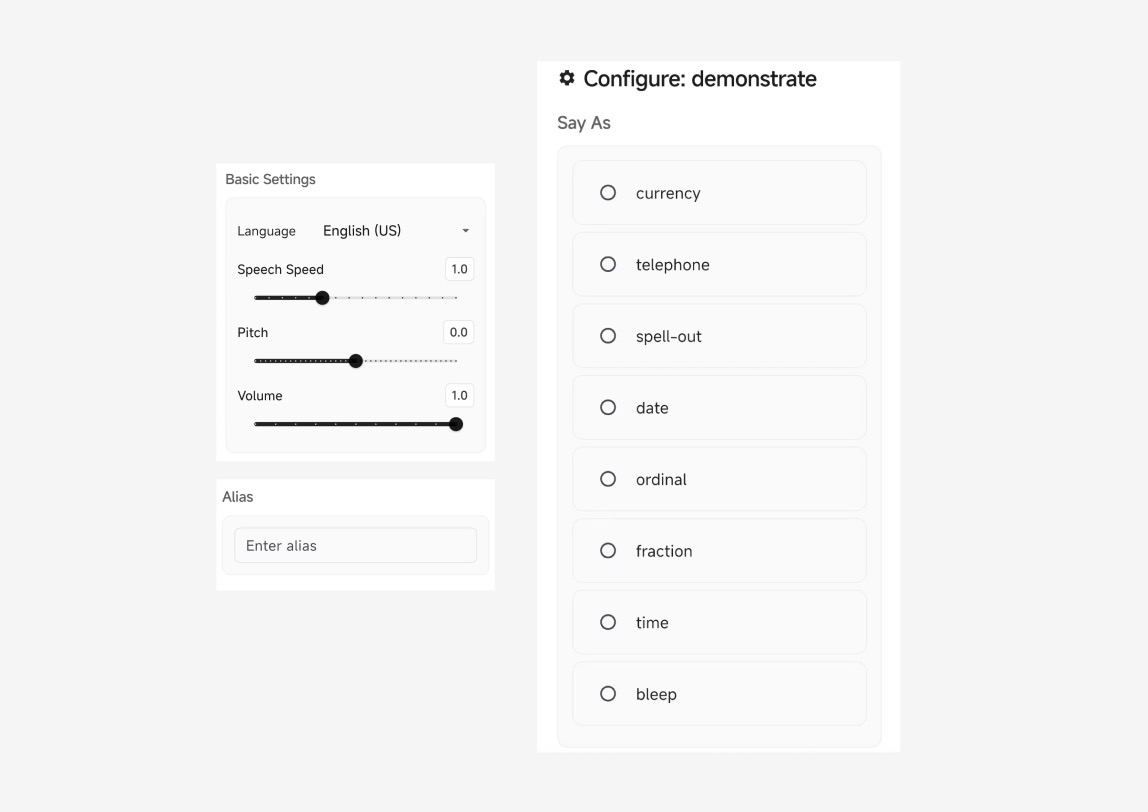
Fine-tune how each word sounds with say-as types, aliases, phonetic replacements, pacing, pitch, volume, and pauses—down to sentence and word level for names, numbers, and technical terms.
Convert articles, documents, and long reads into natural speech. Listen while commuting, exercising, or resting your eyes—without losing the detail of the original content.
PDFs and Word files are more than a wall of text. Votaka reads the layout first—then drops comments, tracked changes, headers, footers, page numbers, and other chrome—so playback stays on the body you actually meant to hear.
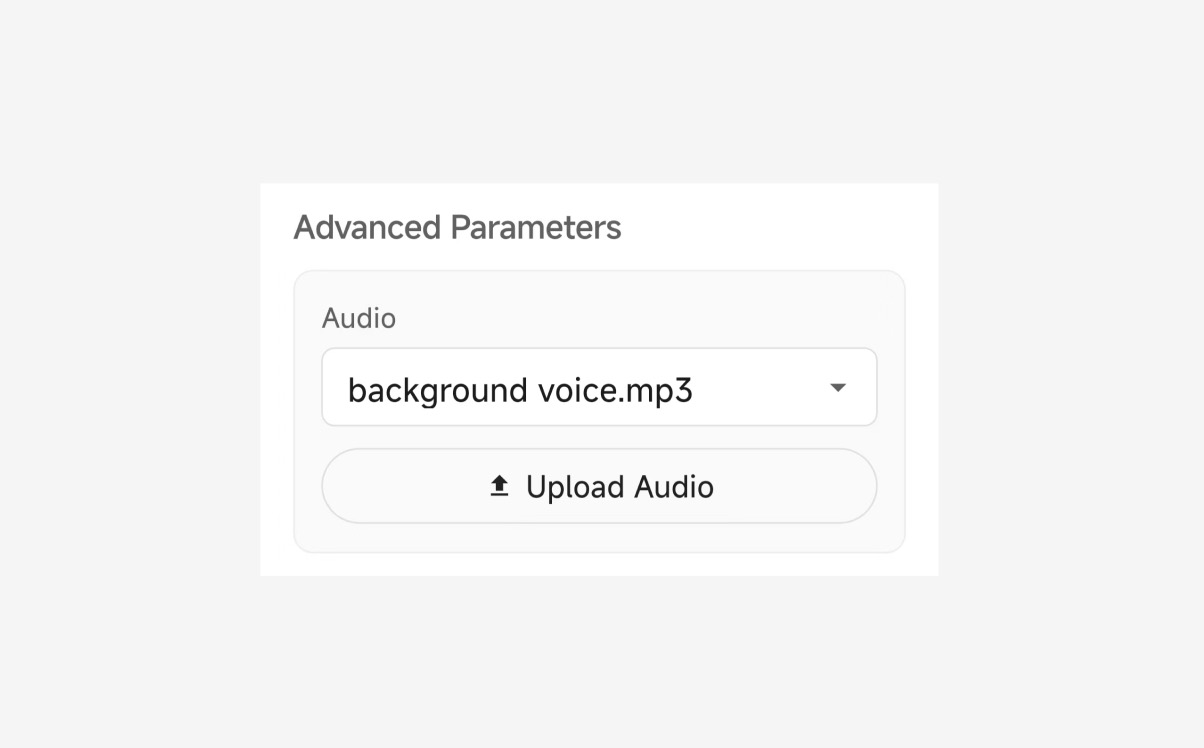
Layer ambient clips and sound effects with your narration for emphasis and mood—useful for intros, transitions, and storytelling moments inside a listening session.
FAQ
Votaka is a text-to-speech app for Android and the web. It reads webpages, PDFs, and Word files aloud, including mixed-language text and word-level pronunciation.
Yes. Set a default language for the whole piece, then override individual sentences or words with a different language and voice. That covers bilingual articles, product names, and code.
Paste a news portal or blog URL once. Votaka fetches the article list so you can preview titles and start listening without copying each link.
Yes. Layout-aware parsing follows columns and sections, then drops comments, footnotes, headers, footers, and page numbers so you hear the body text.
Yes. Aliases, phonetics, rate, pitch, volume, and pauses can be set down to one word — for names, numbers, and technical terms.
The web text-to-speech tool is free to try in the browser. Some voices and files over 5 MB need a subscription. The Android app is a free download, with monthly ($10) and annual ($96) plans for full access.
Our story
Our vision for a more balanced way to consume information
In our digital age, we spend countless hours staring at screens, reading text, and straining our eyes. Votaka was created with a simple idea: let your eyes rest and take in more of the world around you. Instead of reading everything on a display, why not listen?
By converting text to speech, you can step away from the screen—walk outside, watch the sunset, or close your eyes—while still absorbing what matters through your ears.
Your ears are powerful tools for learning. With Votaka, turn text, documents, and web pages into audio—news on your commute, long reads while you move, or articles while your hands are busy.
Audio opens new ways to stay informed and curious. Let your ears explore ideas and knowledge while your eyes get the break they deserve.
Votaka is not about abandoning reading—it is about a healthier balance. Use your eyes when you want to, and listen when that fits your day better.
We hope Votaka helps you see more of what you love and hear more of what enriches you—a companion for a calmer, more flexible way to stay informed.